Your library, with covers
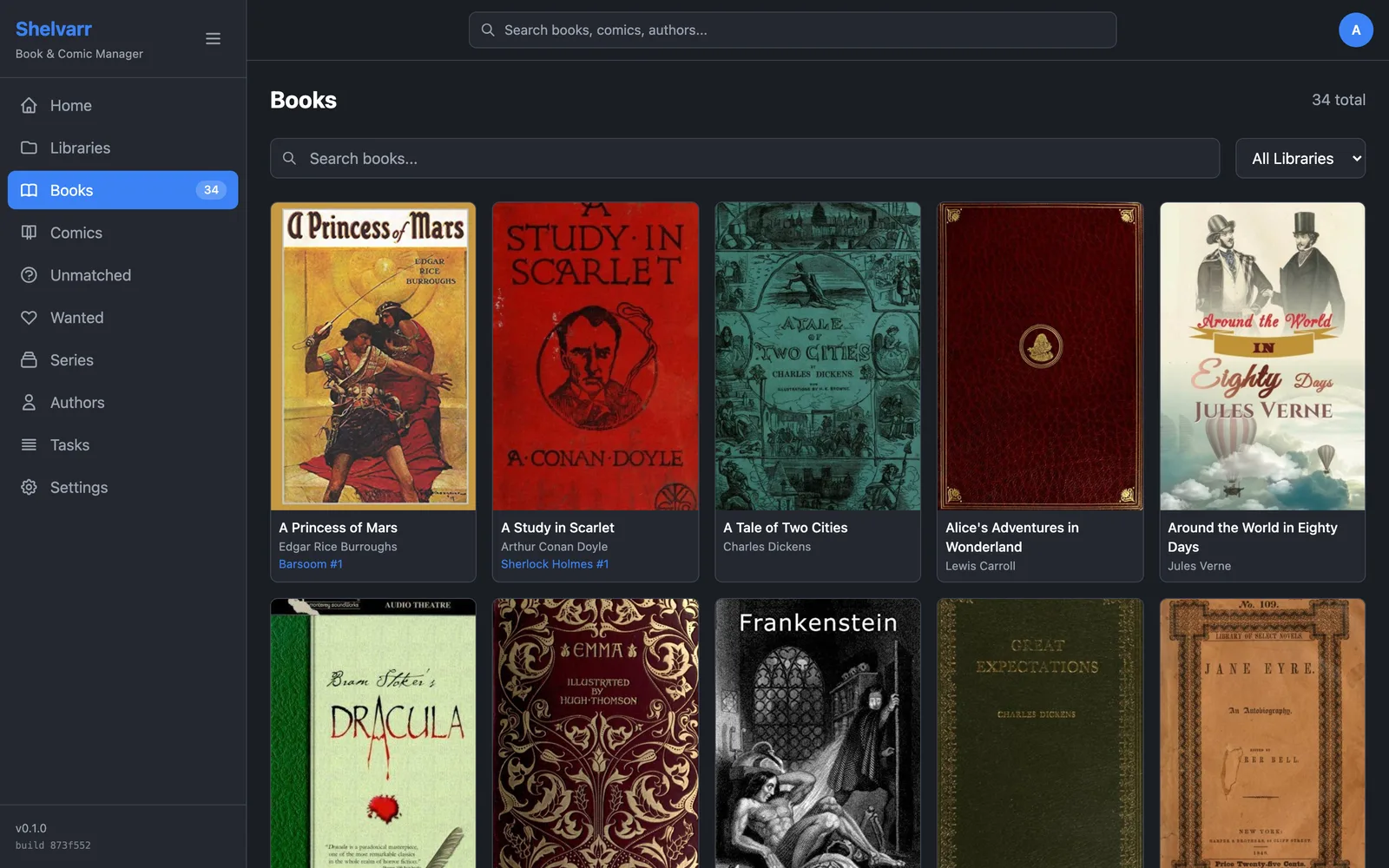
Every book Shelvarr has scanned, with its metadata matched from Hardcover. Search it, filter by library, and fix a bad match in two clicks.
Shelvarr is a self-hosted library in the *arr mould. It scans in the ebooks and comics you already have, matches their metadata, shows you what's missing — and for comics, goes and gets it.
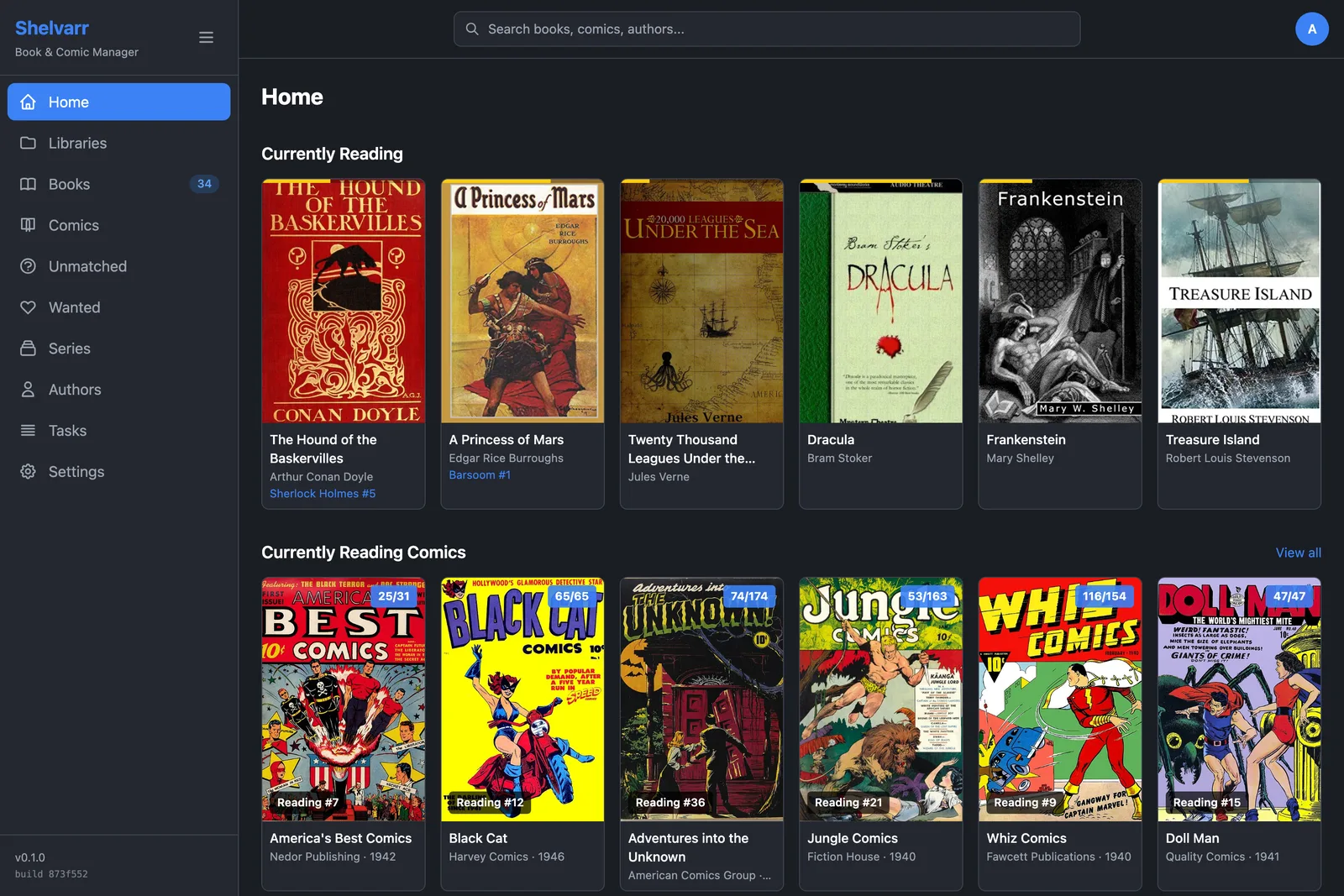
One server for the whole household's reading: books, comics, and where each of you is up to.
Shown with a demo library of public-domain novels and Golden Age comics.
Every book Shelvarr has scanned, with its metadata matched from Hardcover. Search it, filter by library, and fix a bad match in two clicks.
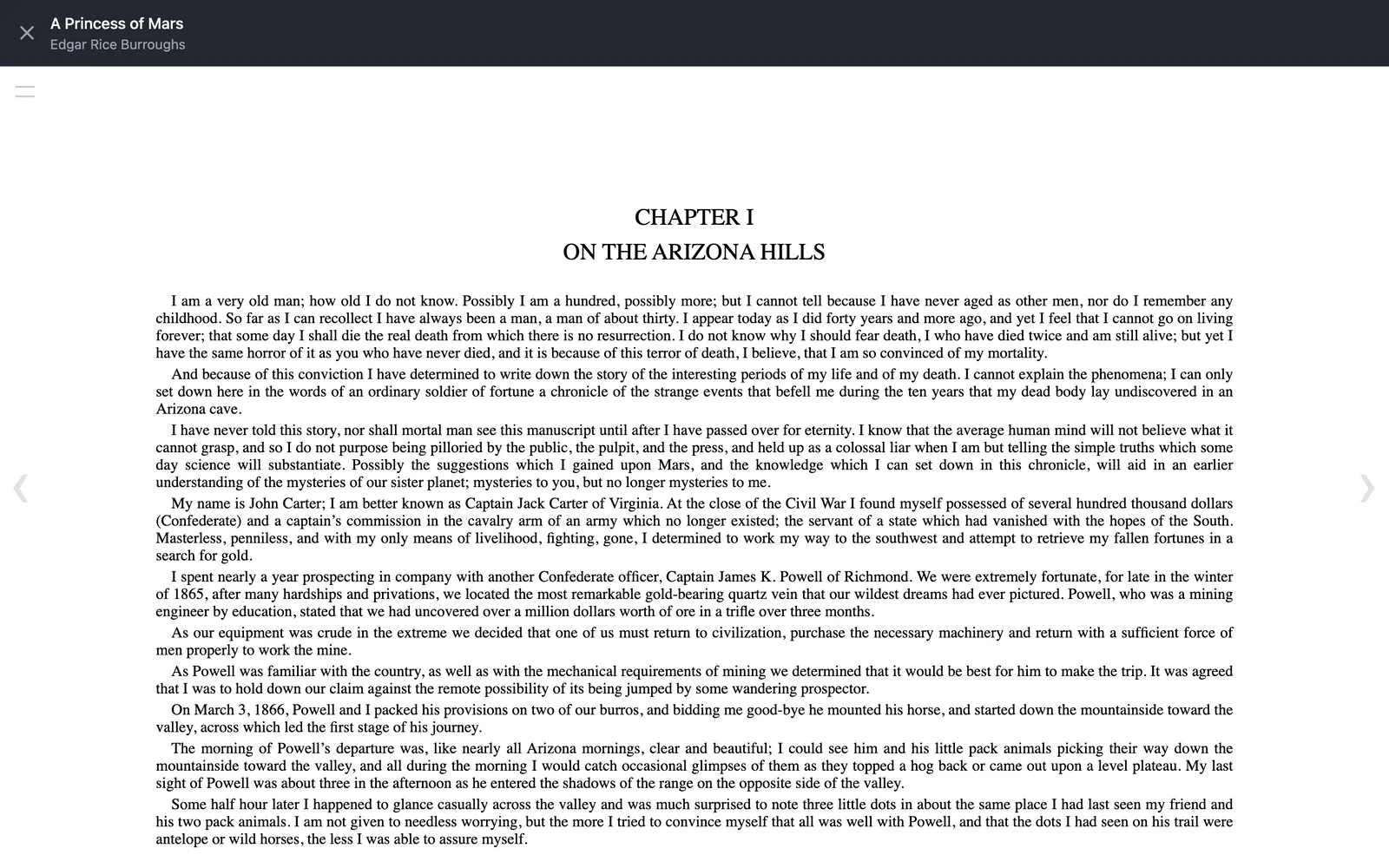
Open an EPUB and pick up where you left off. Your place is yours: two people can be halfway through the same book without moving each other's bookmark.
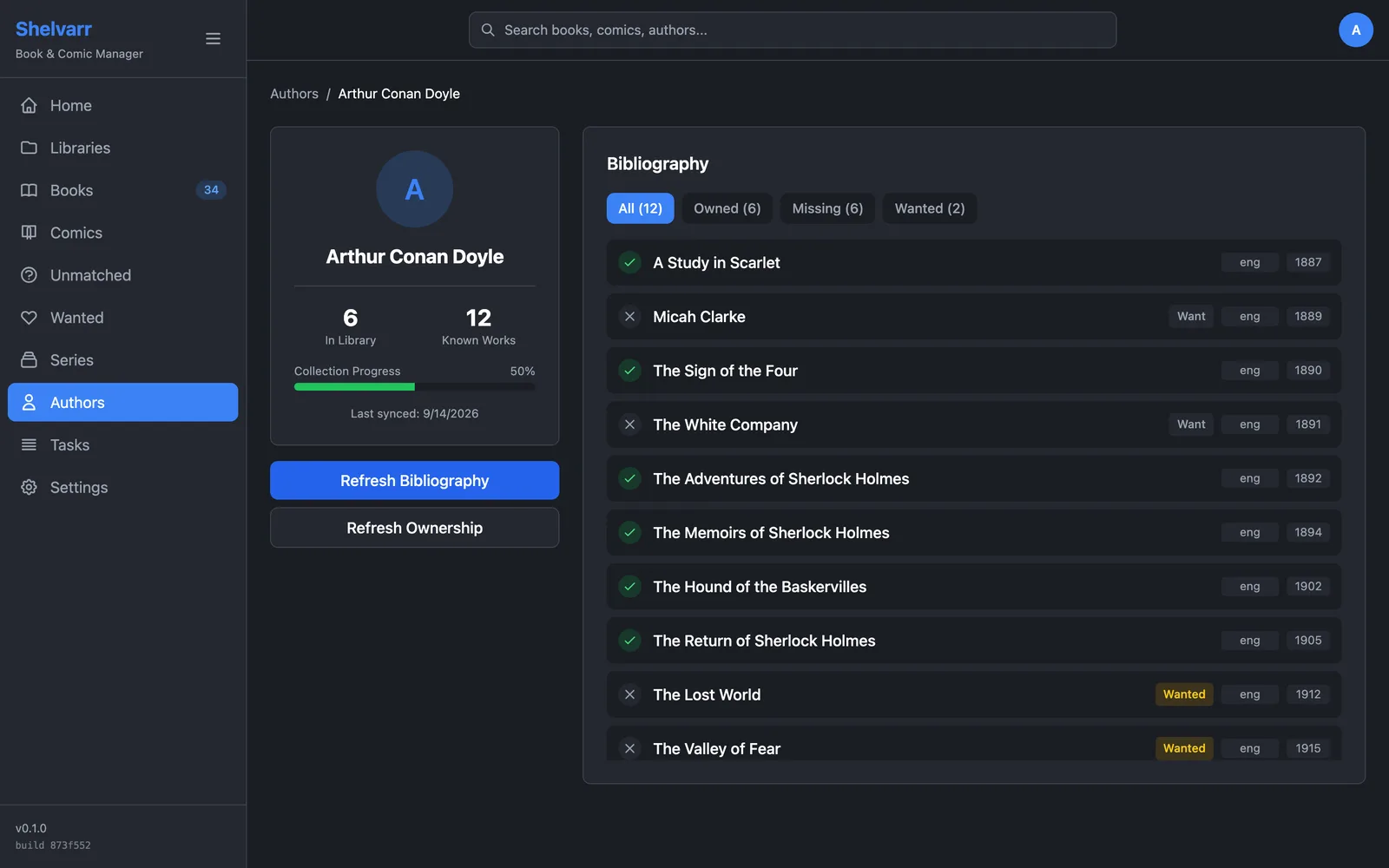
Series line up in order, and every author's bibliography shows what's on your shelf, what isn't, and what you've asked Shelvarr to look out for.
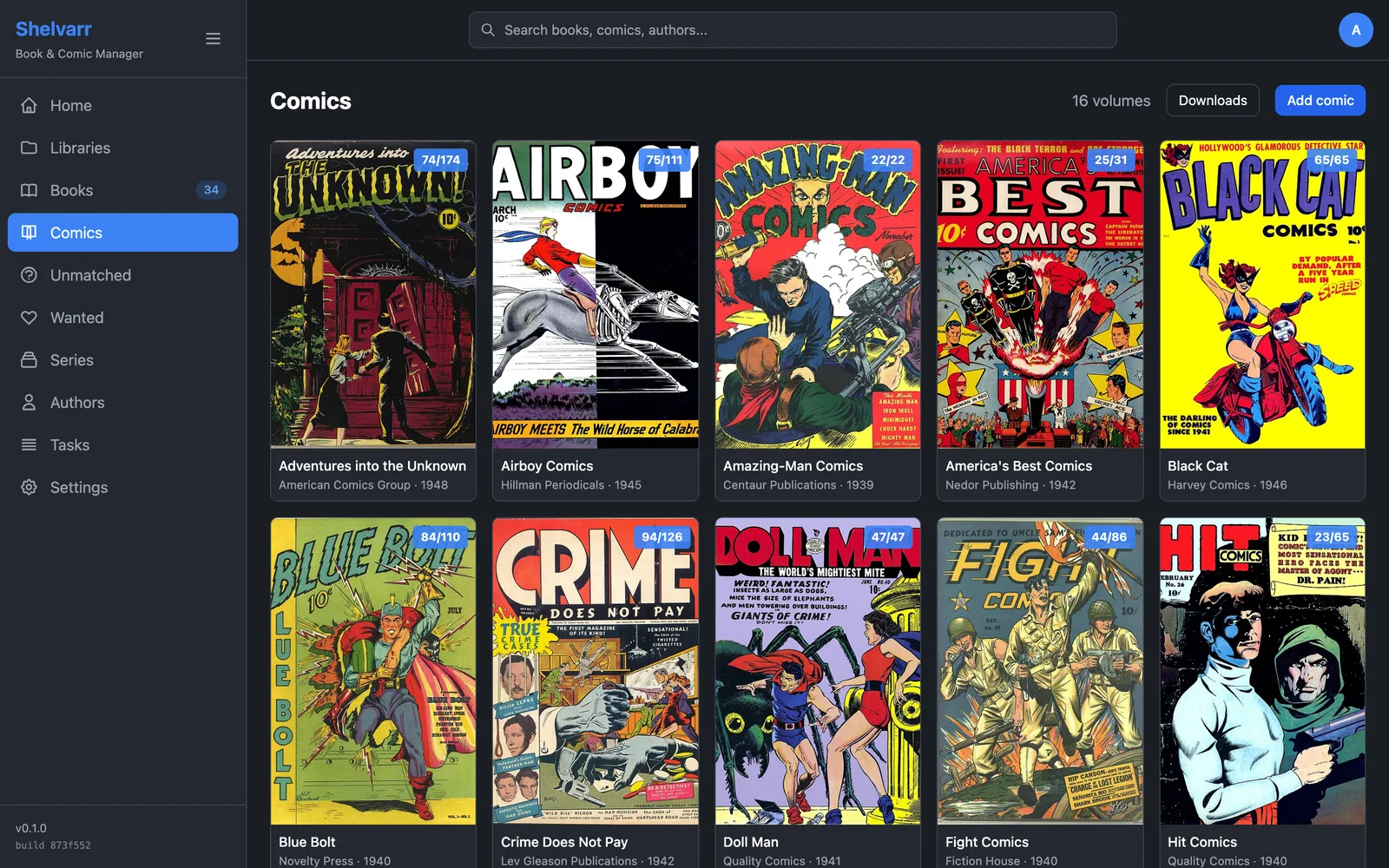
Add a volume from ComicVine and Shelvarr creates its folder, lists every issue, and adopts the files already there. The count on each cover is how many issues you have.
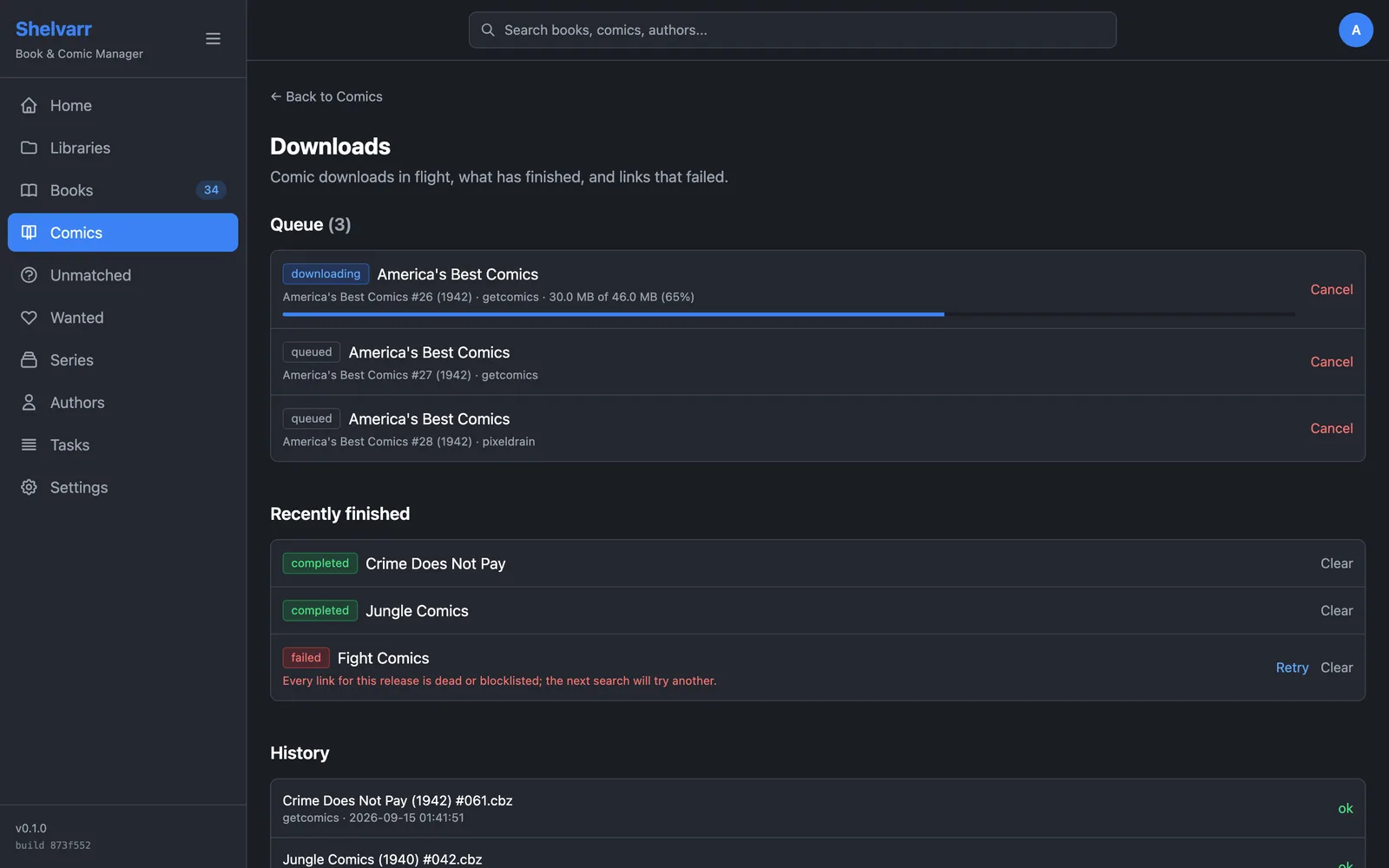
Search for missing issues and Shelvarr queues the releases that cover them. A dead link falls through to the next mirror, a rate-limited host is retried later, and a restart picks up where the download left off.
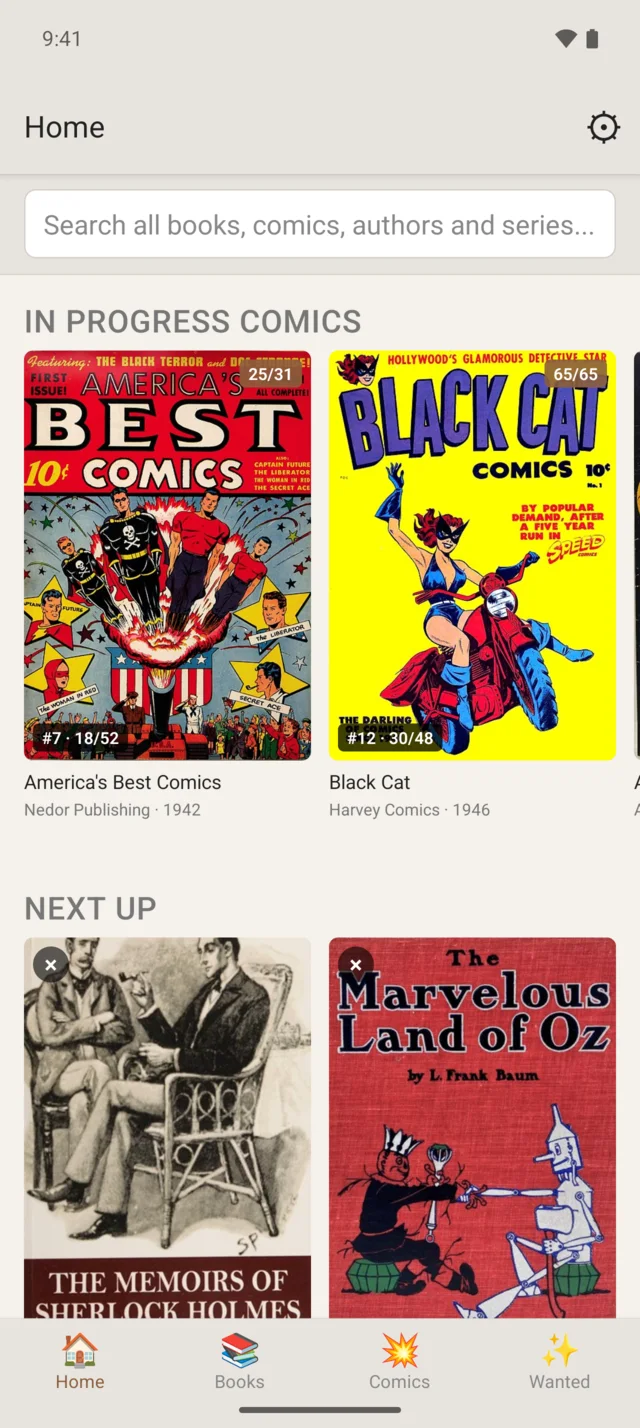
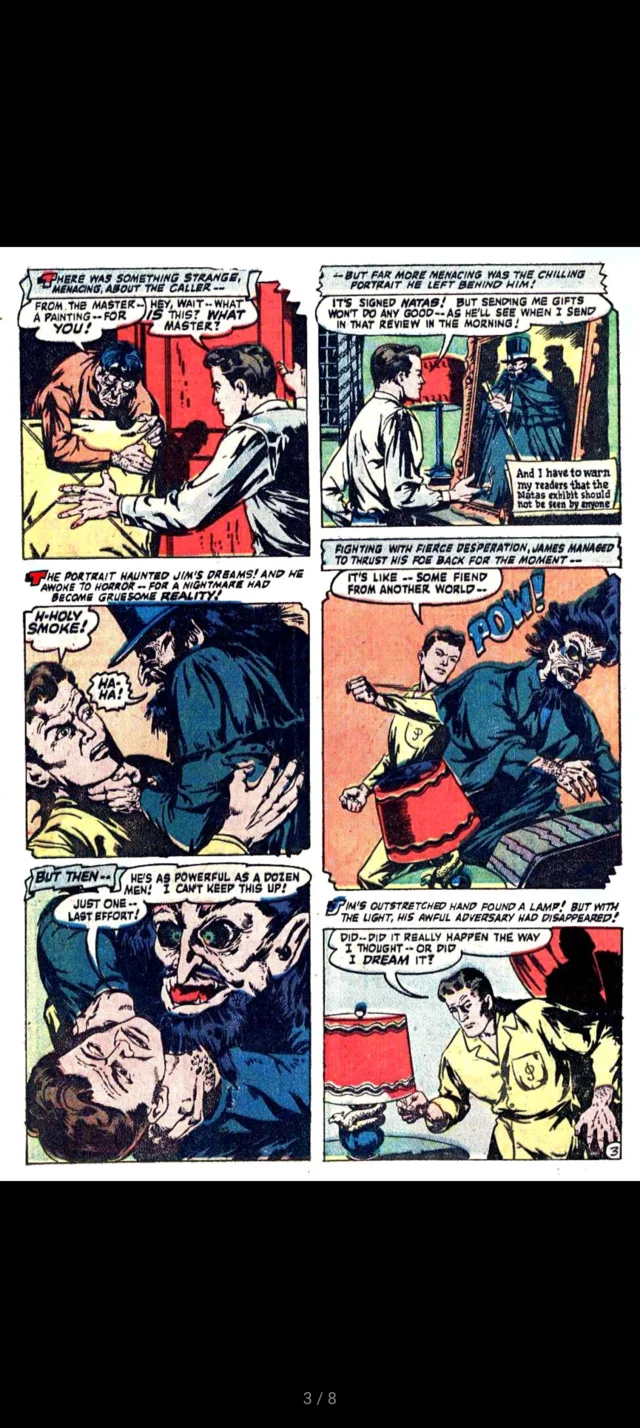
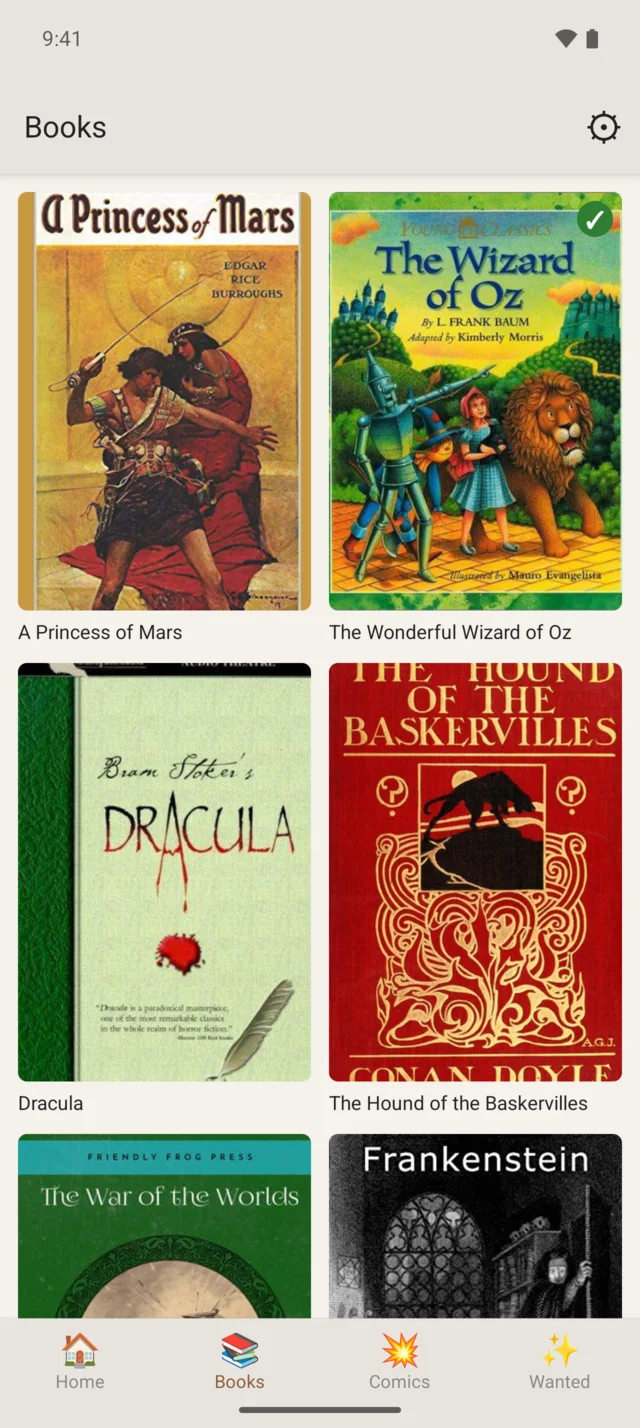
The companion Android app for Shelvarr. Sign in the same way — an emailed code — and your whole library is in your pocket.

Shelvarr runs as a single Docker container.
# docker-compose.yml
services:
  shelvarr:
    image: ghcr.io/markcipolla/shelvarr-web:latest
    container_name: shelvarr
    ports:
      - "3000:3000"
    volumes:
      - shelvarr_data:/app/data
      - /path/to/ebooks:/libraries/ebooks:rw
      - /path/to/comics:/libraries/comics:rw
    environment:
      # The owner of your library folders: `id -u` and `id -g`
      - PUID=1000
      - PGID=1000
      - TZ=Australia/Melbourne
    restart: unless-stopped

volumes:
  shelvarr_data:
docker compose up -d, then open http://localhost:3000. The first visit creates your admin account./libraries/ebooks and scan it./libraries/comics as a root folder, then add volumes or adopt the ones already there.